Virtual Machine Recovery Heroes.
VBK Repair could Help System Administrators to retrieve Files from corrupted Veeam backups.
QUICK STARTVBK Repair could Help System Administrators to retrieve Files from corrupted Veeam backups.
QUICK STARTVBK Studio is specialized software designed to extract and recover data from backups created by Veeam in VBK full or VIB incremental formats.
The software is designed to handle and deliver excellent results in cases of human error, deletion and overwriting of backup files, disk corruption, partially interrupted backups, and corruption caused by cyberattacks.
Supported Platforms: Windows 11, 10, 8.1, 8, and Windows server 2022, 2019, 2016, 2012. No Veeam Install Required
Download VBK Windows Installer here
We have created a very simple interface to allow any user to perform Veeam file recovery completely independently.
To import a corrupted backup into VBK Studio, simply click the Open File button and select the file to be analyzed.
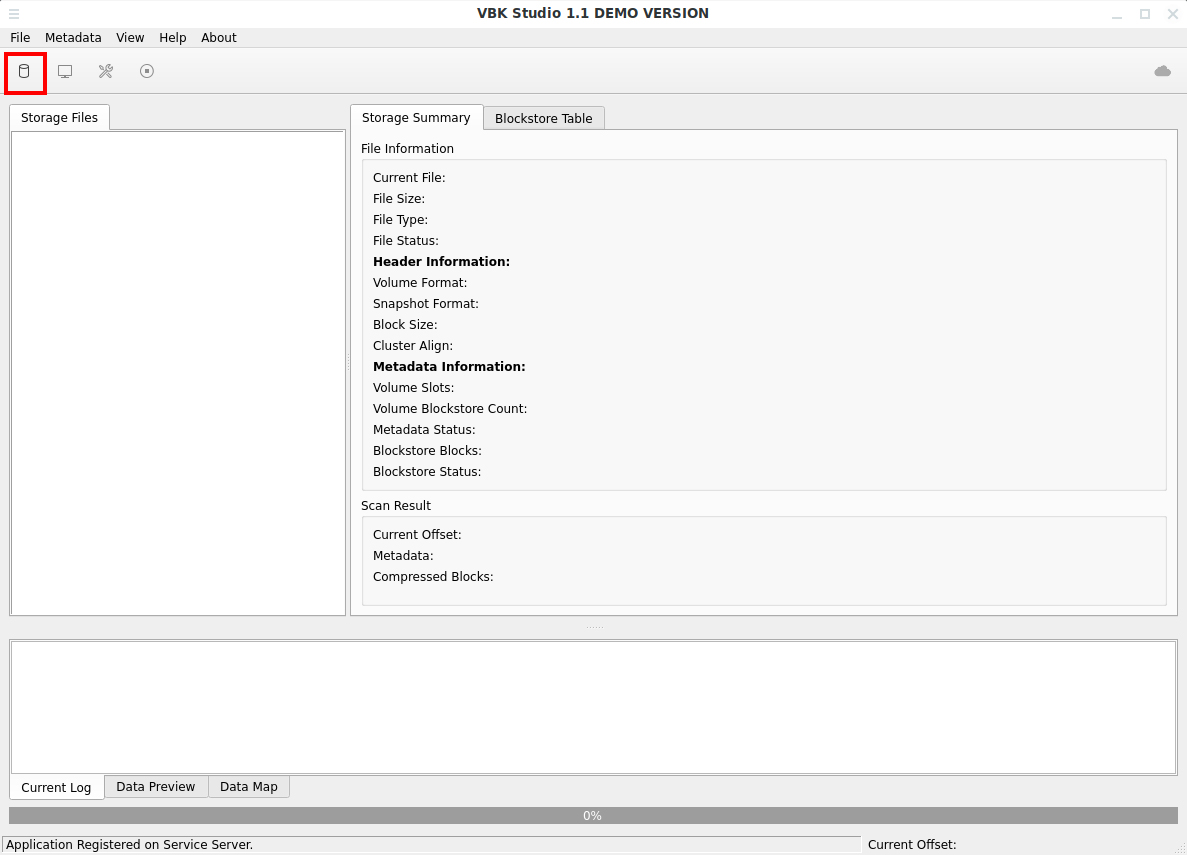
VBK Studio will instantly analyze metadata and if available the backup root folder.
Root Folder Files will be shown on left side panel.
Care should be taken when reviewing the storage quality summary reports, as these values alone can provide insights into the potential quality of the results that can be achieved.
If VBK Studio will be able to show Veeam Backup Root Folder, no further action or analysis will be required. Just Click on Virtual Machine Files to Display Machine contents.
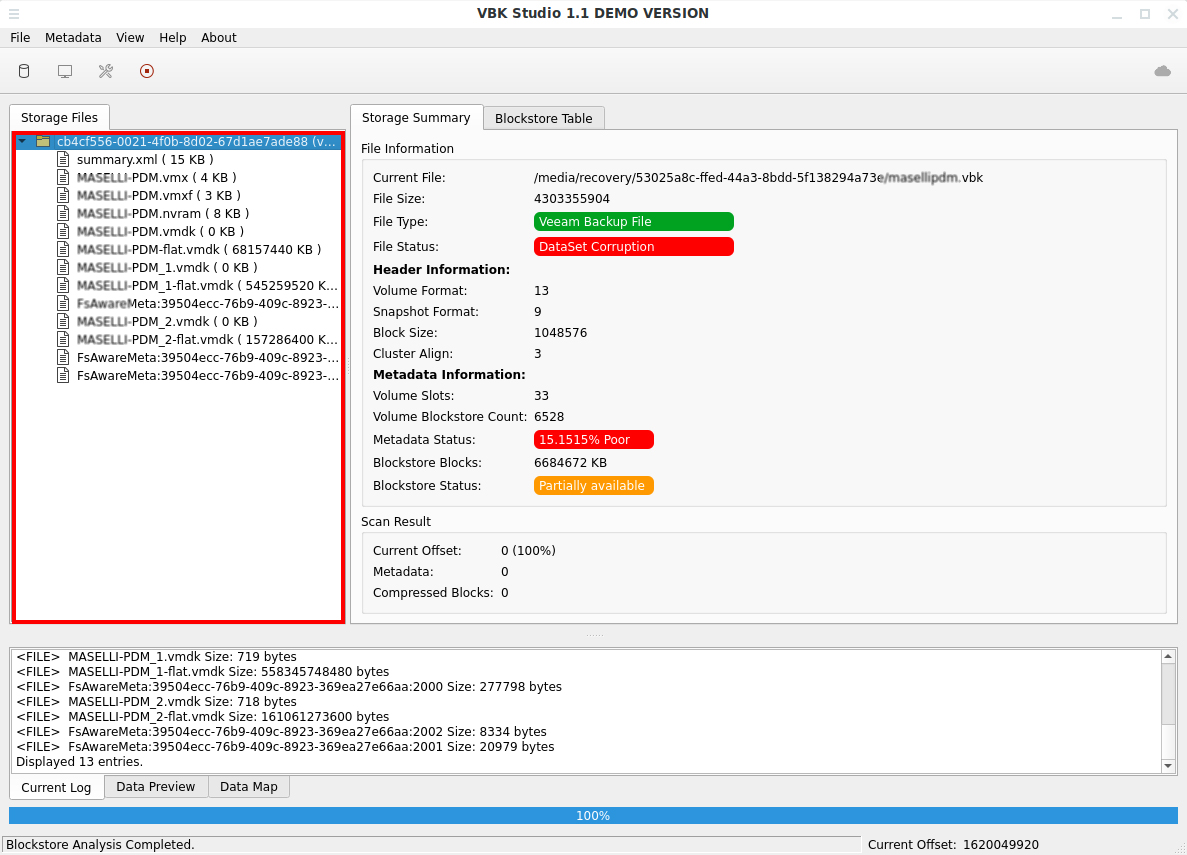
To open the contents of a file in a Veeam backup, simply double-click the file name. Usually, the files containing the actual data are the larger ones, such as the flat VMDK files."
In order to assess the quality of the file, it is important to examine the file's allocated blocks and those detected by the analysis system. This information is available in the lower status bar.
File shown in picture above has a perfect BlockStore Status.
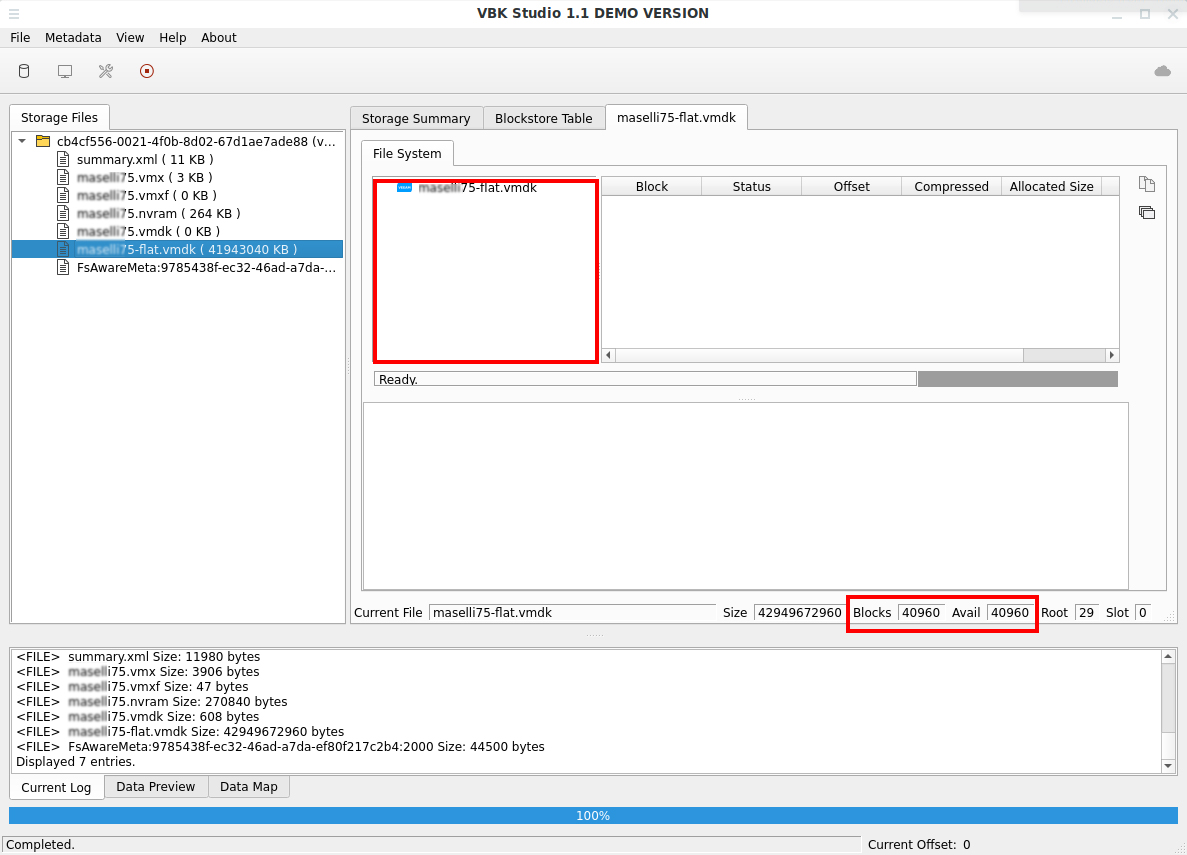
In all cases of personal disk or virtual machine backups, the file is organized into partitions, so it is necessary to open the file's boot record by double-clicking on the file name.
If Boot Record is still in good condition, partition list will be shown.
Next Just Double Click on Desidered Partition to display contents.
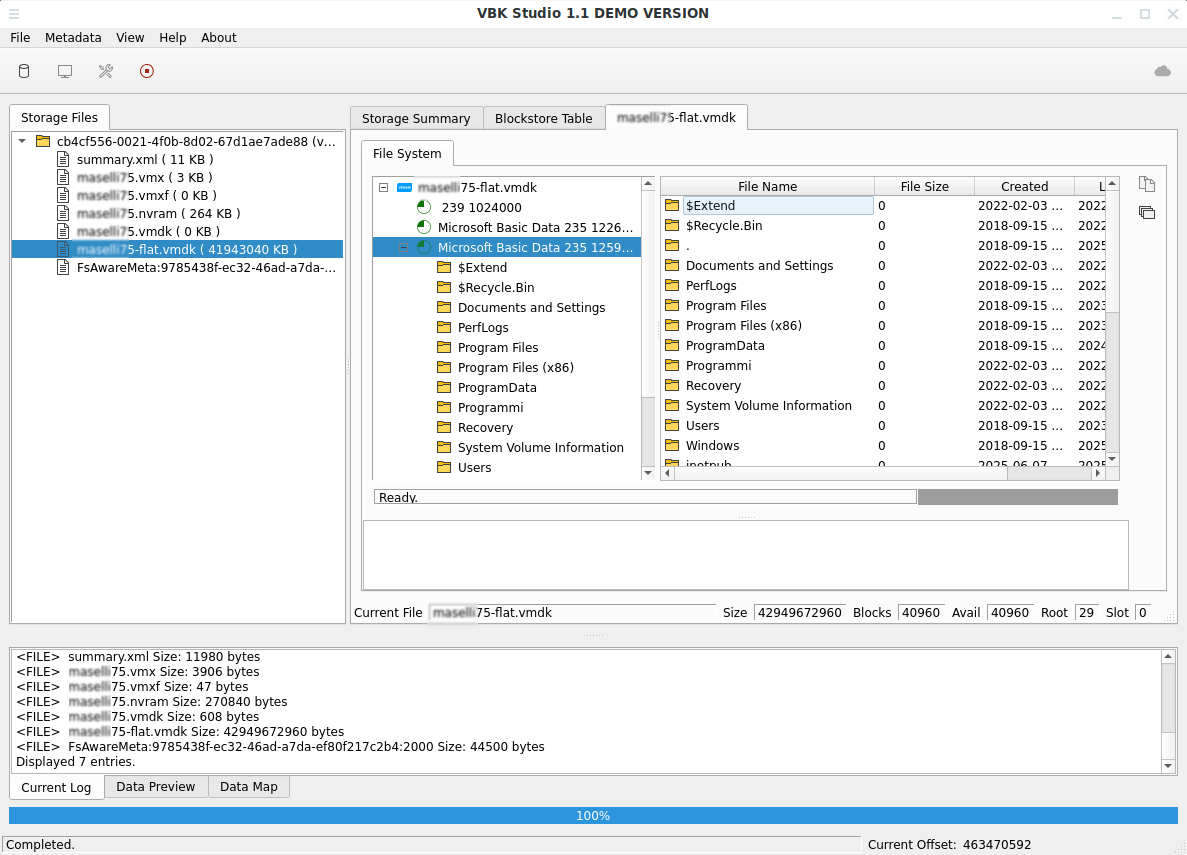

In this case, we address the recovery of a SQL Server backup affected by a DEADLOCK 2026 ransomware, using only the blocks embedded in the incremental VIB file.

If veeam Extract process does interrupt suddendly with Error Failed to export block restore descriptor could be related to a slight metadata corruption. In most of such cases data are still in perfect shape.

Whenever a Veeam backup file suffers from header corruption or partial metadata damage, Veeam typically returns the error message: All instances of the storage metadata are corrupted. This error may appear alarming, but it does not necessarily mean that all backup data has been lost. In this article, we explain what this message actually means, how to diagnose the underlying issue, and the availab

This article discusses the techniques for generating a single disk image from complex RAID configurations and LVM2 volumes typically deployed on QNAP NAS systems.